Product Overview
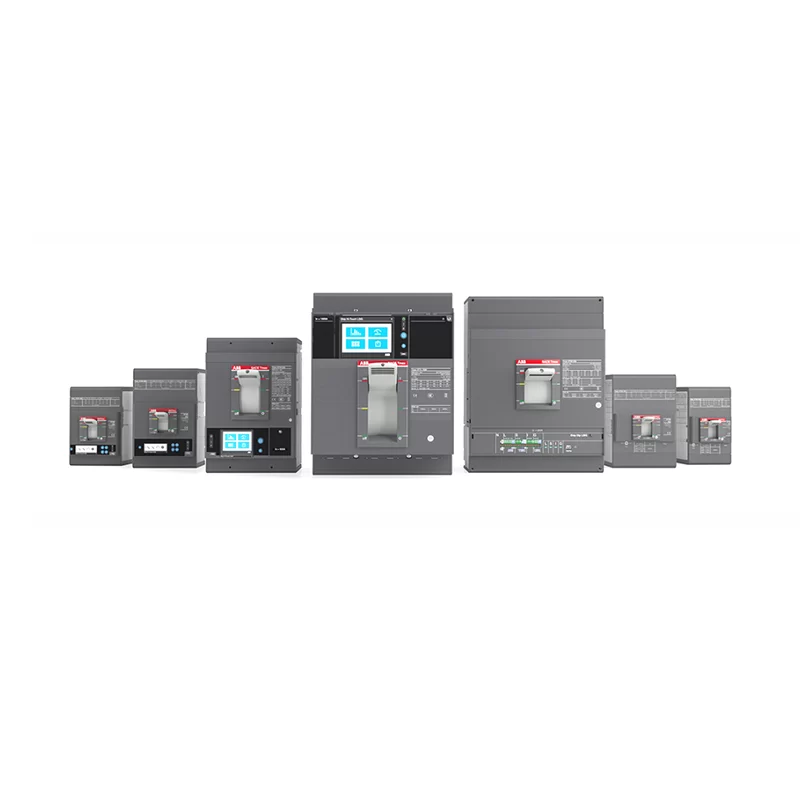
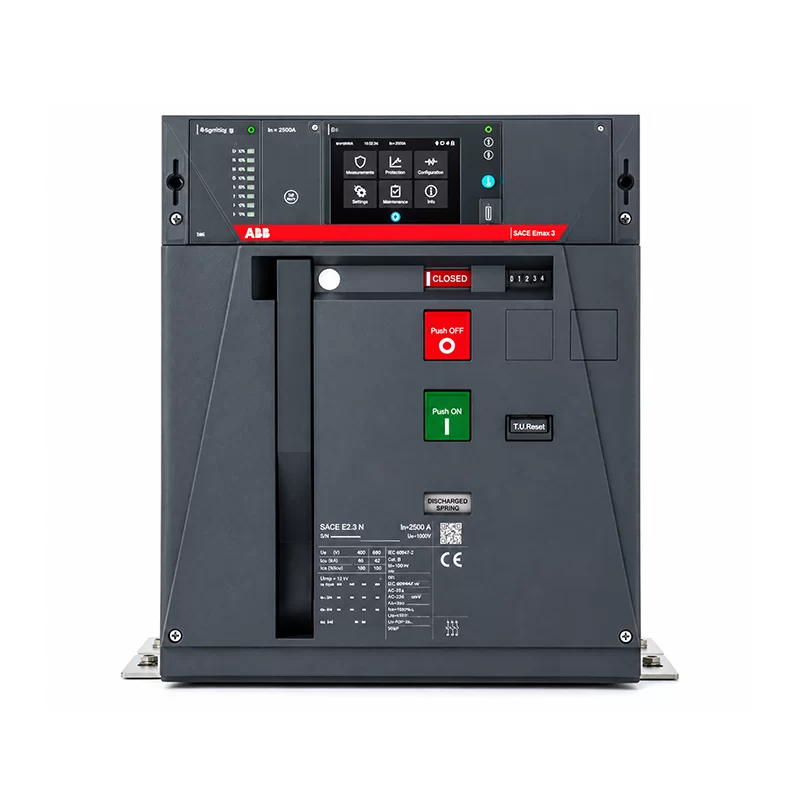
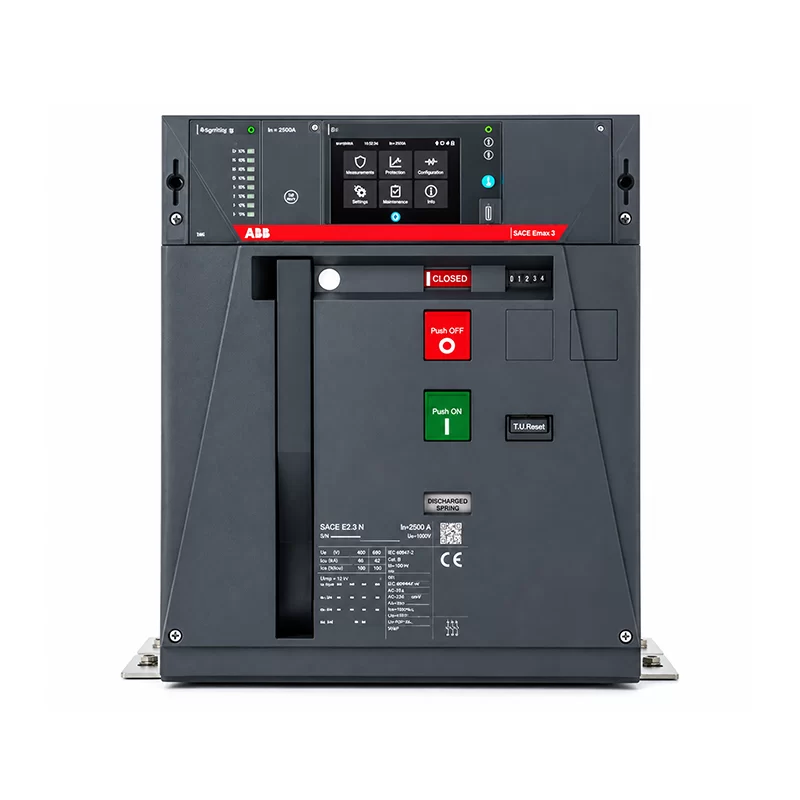
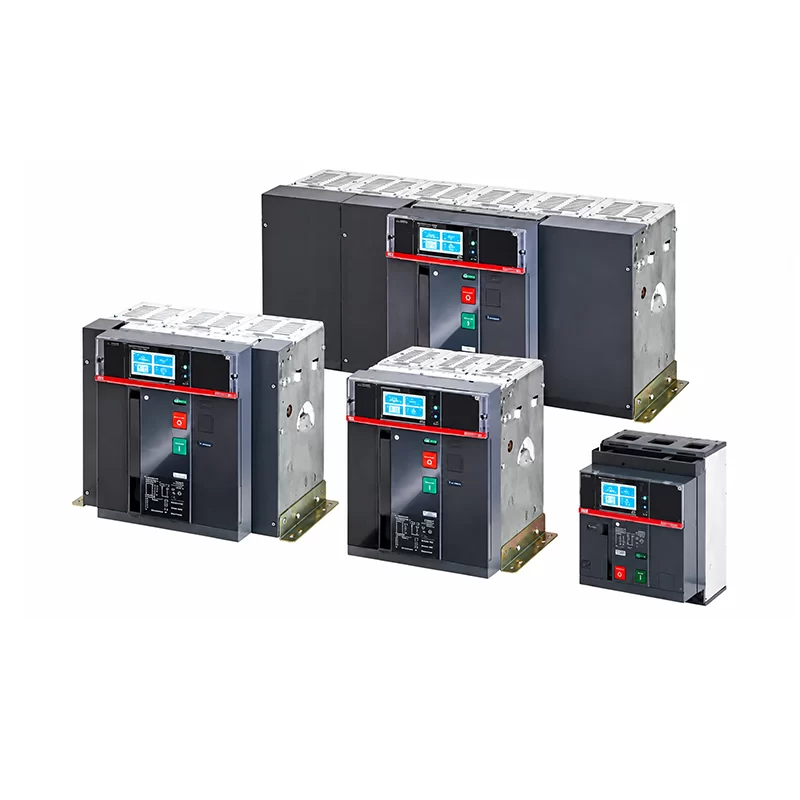
This document describes the Datalogger function integrated into ABB Emax 2 and Tmax XT circuit breakers. The Datalogger function stores, with a high sampling frequency, the instantaneous values of all the measurements in two memory buffer registers.
The recorded data can be easily downloaded by the Ekip Connect unit and transferred to any personal computer. This enables the current and voltage waveforms to be analysed for quick fault analysis. The function continuously stores and stops recording, with a selectable delay, whenever the event set by the user occurs (e.g. trip or alarm). In this way, it is possible to analyse the complete evolution of a fault, from its start to its complete elimination.
The software and tools described in this document (Ekip Connect, Ekip Touch / Ekip Hi-Touch, Ekip T&P / Ekip Programming, etc.) are ABB products, as stated in the original source material.
Key Features
1 Feature Scope
- High sampling frequency storage of all instantaneous measurement values in two memory buffer registers.
- Data can be downloaded via Ekip Connect and transferred to a PC for waveform analysis and quick fault analysis.
- Continuous recording that stops with a selectable delay when the user-defined event (trip or alarm) occurs.
- Full analysis of the fault evolution, from occurrence to complete elimination.
2 Trigger
To let the datalogger work, a trigger must be set. The trigger represents the moment in which the datalogger starts the recording.
- Multiple trigger types are available, such as status, warning and alarms.
- An AND logic can be created between 2 triggers, or OR logic can be leveraged by combining 3 triggers.
3 Properties
Clicking on the gear icon, the user must set the following parameters:
- Number of channels: determines the number of recordings (1 or 2). The recordings share the settings of the sampling frequency and the type of memory.
- Sampling frequency: establishes the number of samples acquired per second and the recording window.
- Memory type: non-volatile or volatile.
| Sampling frequency | Recording window |
|---|---|
| 1200 Hz | 13.6 s |
| 2400 Hz | 6.8 s |
| 4800 Hz | 3.4 s |
| 9600 Hz | 1.7 s |
Non-volatile memory: Ekip Touch maintains the recording even when off; the life of the internal battery can be sensibly less than the declared value in the absence of auxiliary power supply. Volatile memory: Ekip Touch loses the recording if it is switched off; when the unit is switched on again, the datalogger automatically restarts, losing the previously stored data.
4 Time Window
- The datalogger can record both before and after the trigger occurs.
- If the window is moved to the left and the blue Start line is positioned before the green Trigger line, the datalogger records both before and after the trigger.
- If the blue line coincides with the green line, the datalogger starts recording exactly when the trigger occurs, ignoring prior events.
5 Download Recording
- Once the datalogger is available, a pop-up window asks whether to download the recording.
- The file can be downloaded through Ekip Connect, using Modbus communication or Ekip T&P / Ekip Programming.
- The download may take a few minutes, but only a portion of the recording can be downloaded to save time.
- An icon appears on the HMI when the datalogger is active.
6 Dataviewer
To view a file, the Dataviewer tool (located in the “Tools” section) is used. Dataviewer does not require a connection between Ekip Connect 3 and the device. Clicking on “Open file” displays all data related to current, voltage and signals.
- Signal info: creates a tab below the diagram with detailed values about the waveform (peaks, Mean, RMS, etc.).
- Split diagram: separates current and voltage measurements for better viewing.
- Digital Signal: shows when a digital signal occurred (e.g. CB closed becomes open); all statuses and the moments they changed can be retrieved.
- Signal expression: allows custom curves by summing or subtracting several signals.
- Current / Raw / Voltage: displays only the selected curve, not all recorded variables.
- Print report: creates a PDF with all waveform information visible in the Datalogger tool.
- Options signals: exports datalogger file data in .csv and .comtrade formats.
Below the diagram, a specific waveform can be selected and repositioned with the “cursors” function, and the value between different points can be measured by displaying the x and y coordinates. The x and y scale can also be reset for better observation.
7 Material Required
- Ekip Connect 3 Software: download and install the latest version from the ABB Library.
- Datalogger License: purchase from the ABB Marketplace website for Ekip Touch, or use an Ekip Hi-Touch version. The license applies to Emax 2 and Tmax XT devices; once redeemed, it is permanently linked to the device’s serial number.
- Connection Module: Ekip Programming / Ekip T&P, or a Modbus TCP module to connect Ekip Connect 3 to the device.
Usage Scenarios
The main scenarios in which the datalogger function is useful for the end-user are:
- Understand the reasons behind an occurred fault and avoid its repetition (correct and prevent faults).
- Sensitive loads failure prevention (prevent faults).
As stated in the conclusions of the source document, the integration of datalogger functionality into circuit breakers represents a significant advancement in electrical system management. Dataloggers enhance the reliability, efficiency and safety of electrical networks. This innovation not only facilitates proactive maintenance and rapid fault diagnosis, but also supports compliance with regulatory standards and the optimization of energy usage. As the demand for smarter, more resilient electrical infrastructure grows, the adoption of datalogger-equipped circuit breakers will play a crucial role in shaping the future of power distribution systems.
Note
This document is an English compilation of the product overview, features and usage scenarios extracted from the ABB Emax 2 / Tmax XT Datalogger brochure (PDF). All functional details, parameters and software references are reproduced faithfully from the original source document.